

Recently, I decided to buy a new laptop for me and use it with Linux Mint only, and I want to share my experience with it. I am not going to use it to play, mostly for web browsing, to update my blog more often and also try new things. Therefore as computer is not for gaming I do not need a powerful Laptop, so I bought one of the cheapest Asus that I can find in Coupang. The laptop was sold without OS, which was perfect in my case as I do not plan to use Linux on it. I preferred with an AMD Ryzen CPU as I always used AMD and seems that nowadays are more popular and compatible, it has 16 gigs of ram which will be perfect for the future usage.
Therefore, as soon as I received it I took my pen drive which I already had prepared with a Linux Mint ISO and I started the process of booting and installing. Everything was quite straight forward, as was not my first time using Linux, but it was the first time that I installed without having to worry about the data that was already in the disk, so no worries on this. However an small problem appeared very soon, the laptop builtin WiFi card was not detected, and Bluetooth neither. In reality, this was the first and the last problem that I had, so as I am in Korea I decided to go to the closest Daiso and bought the cheapest USB WiFi dongle that I could find. However, even that was absurdly cheap, about 3000 won, which is approximately 2 euros, it work great, even though was only for 2.4ghz WiFi. However the problem was fixed for now.
After that I start to using the laptop, and even though I didn’t have any problem with this WiFi, I wanted to switch to more faster 5 Ghz networks, so I bought an Iptime ac adapter in Coupang, which it mentioned in the product webpage that it was compatible with Linux. Therefore I thought that would be plug and play as the one from Daiso, but it was not. I discovered very soon that I needed to install drivers, and asking ChatGPT I was able to do it. The only thing that was not mentioned anywhere, is that I needed to update the Kernel, which was very easy through the update manager in Linux mint. After some more questions to AI, I was able to make it work.
Now about, the experience of using this laptop in Linux, was really good and I was pleasantly surprised. Everything very fast, very smooth, can do multitasking without interruptions. Also all the documents can be opened perfectly since first moment with Libreoffice, but I installed Onlyoffice anyway because the compatibility with Microsoft Office is a bit better. I also installed my Todoist and Signal without any issue, so I was quite surprised that everything was easy to do. However, for some reason the WiFi dongle stopped working, but after some investigation noticed that was hardware issue, as in Windows also was not detected.
Therefore I bought another dongle and this time was much more easy, was a Next-653WBT, which is a Korean brand and promised Linux compatibilty, and also had Wifi and Bluetooth on the same device. After that, the device work almost directly, the system suggested the drivers that I should install, so now I have Bluetooth and WiFi using one usb port. For me this is perfect.
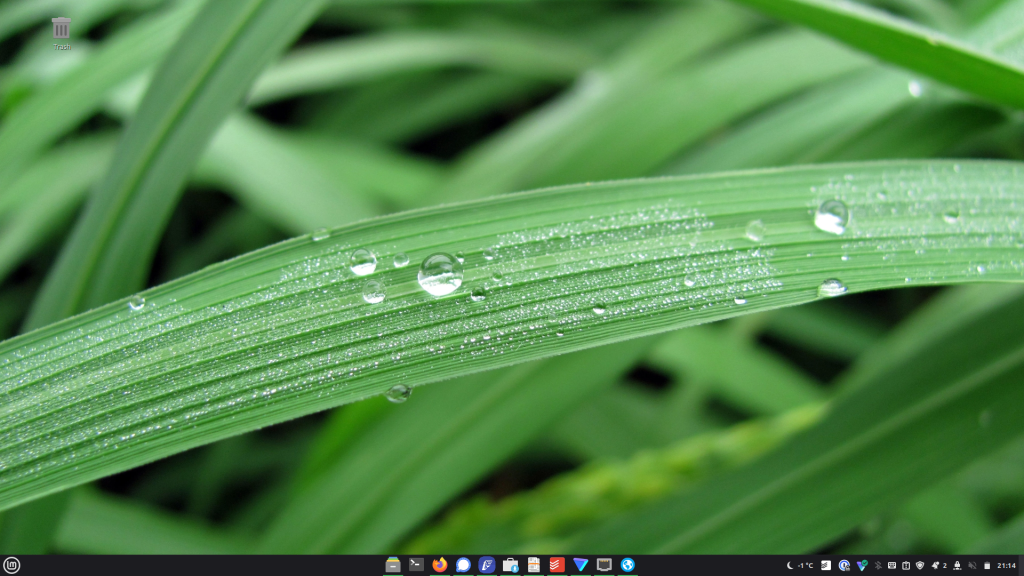
And that’s it in short. Now I spent time customizing my laptop and will try to use it to update this blog, and for personal usage. Nothing very fancy, but it really works well and it is very nice.
Discover more from Kimchi diary
Subscribe to get the latest posts sent to your email.

Wowow I’m glad that you like your new laptop. You customized very well, even though you had a bit of problem to find a lan card compatible. 😅 No more updates from Windows, so better to switch to Linux. You did great!! Enjoy your new laptop 😚😉