

Firstly, Happy New Year 2026 to everyone!! I hope that everyone has a nice new year and has enjoyed the holidays.
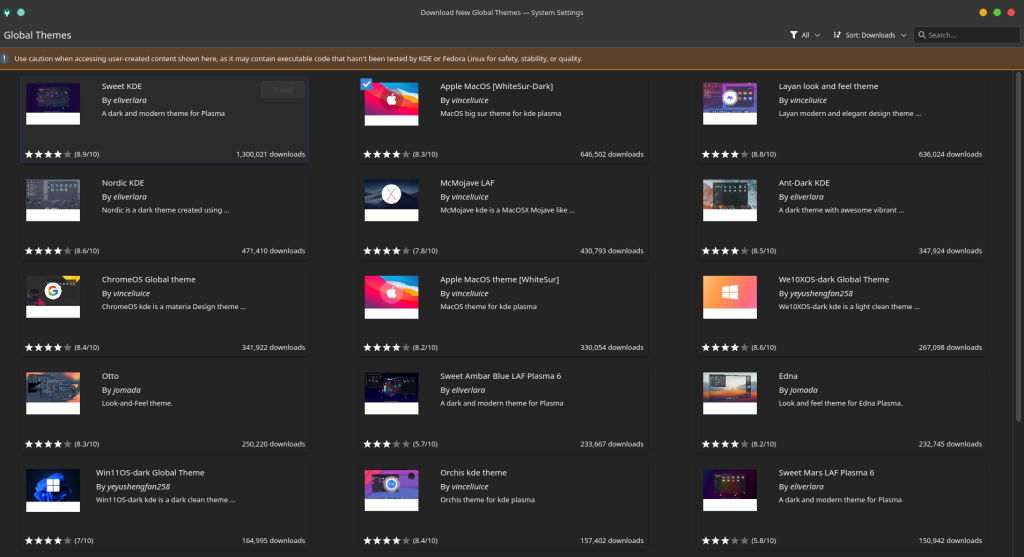
These first days of the year, tried new versions of Linux (also called distros). After watching some videos on youtube I came across Fedora, which is said to be a very big Linux distribution. Even though I was very happy with Linux Mint, I wanted to try something new, as most of the things in Linux) is free. So this weekend, I downloaded and tried it first on a live USB, without installing anything in my computer. After playing with it for some minutes, what I liked was what I saw. The theme and look are nice, and I appreciate a lot that it has a nice theme by default. Additionally, you can easily install many new themes.
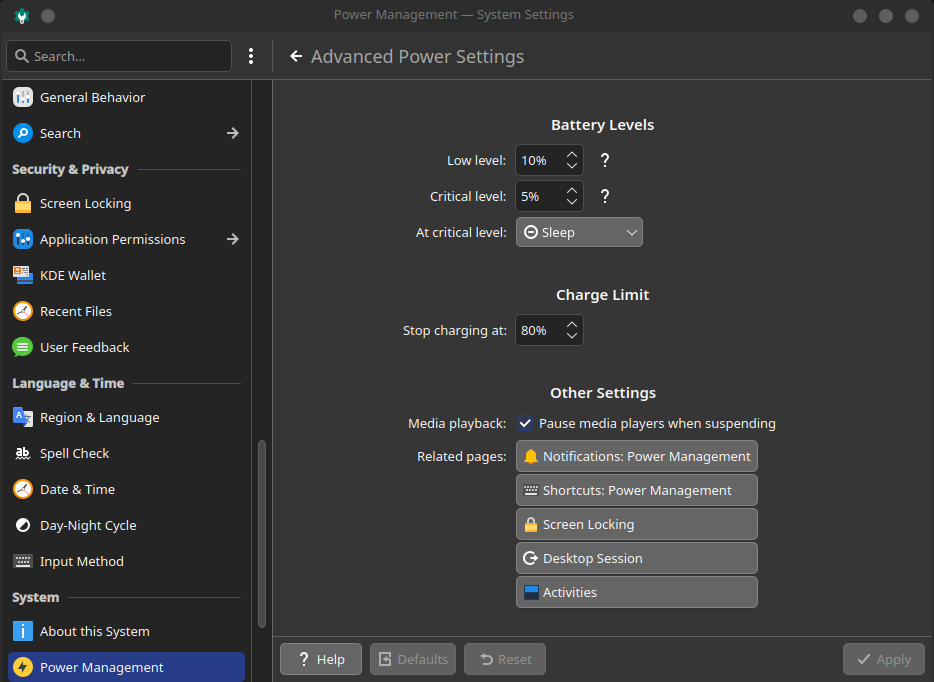
Also, there is a small adjustment that I like a lot: you limit the maximum percentage of battery charge. For example, you can set up not to allow charging more than 80%. This is good for keeping the battery in good condition for a long time (I do not wanna replace my laptop soon). I missed this in Linux Mint, so it’s good to have it here. However, there was a small problem. Every time I restarted the computer, this limit was gone. A bit annoying, but I could manage to fix it by asking AI and introducing some commands in the terminal. I am not sure why it is not possible to do this more easily, but at least I could fix the problem.
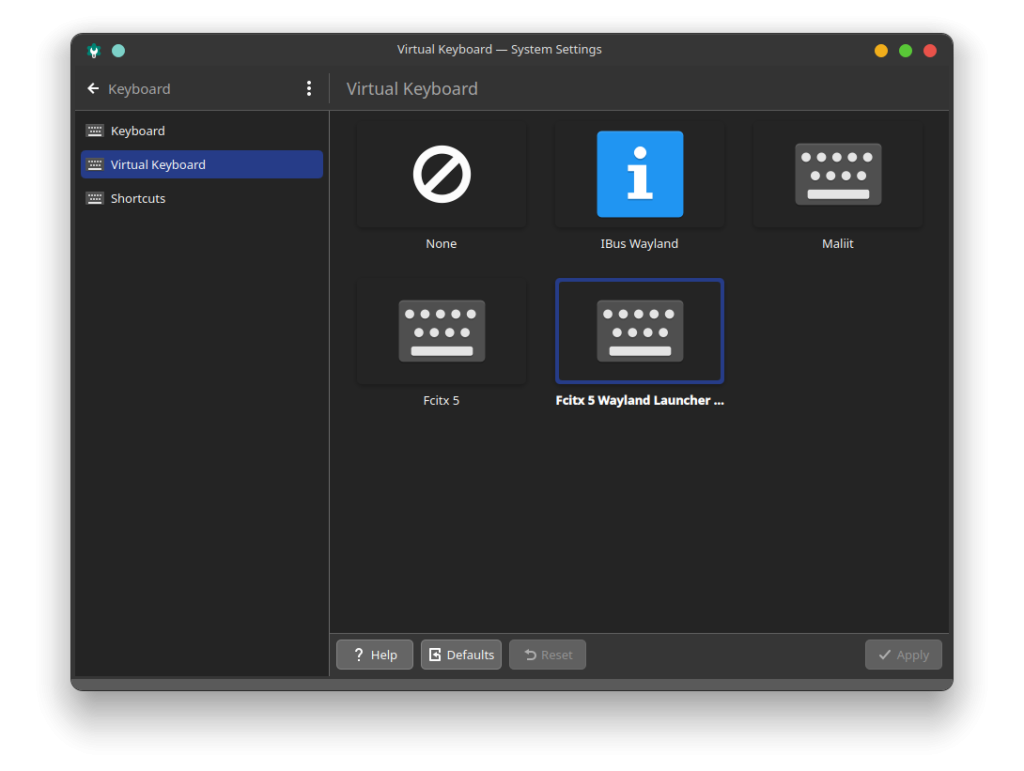
Another small thing that I had to adjust is to set up the keyboard to be able to type in Hangul, as I have a Korean laptop and it could be useful at some point, even though my Korean is still a bit limited for now. Again had to search on the internet, but this was easy to do. Just needed to select as virtual Keyboard the option Fcitx5 and select the correct input method in the Language and time section of settings. Nothing difficult, but should know how to do it.
Also, there is another thing that I do not like. When you update your system, seems that you have to reboot the computer to apply changes. Even though this is less annoying than in Windows, seems that ask to reboot more than when I was in Linux Mint. Not very annoying, but not sure of the reason behind this decision. It is not a problem as long as you can reboot when you want and can do it fast.
Anyway, aside of that small issues, I am satisfied with it, and probably will not go back to Linux Mint (for now). Probably, I will keep trying things and different distributions of Linux, but for now, I am enjoying my time with Fedora. Probably will not last long as I like to try new things always, but who knows. For now, what I can say is that I do not see any reason to come back to Windows, really, Linux is a better option for me.
With Fedora, I can use the fingerprint reader of my laptop, as it seems to use more modern (but more unstable) software. This is good and bad, but for now, I have not suffered any kind of bugs or stability issues, at least for now. I have it installed for a very short time, like one week, but it seems good.
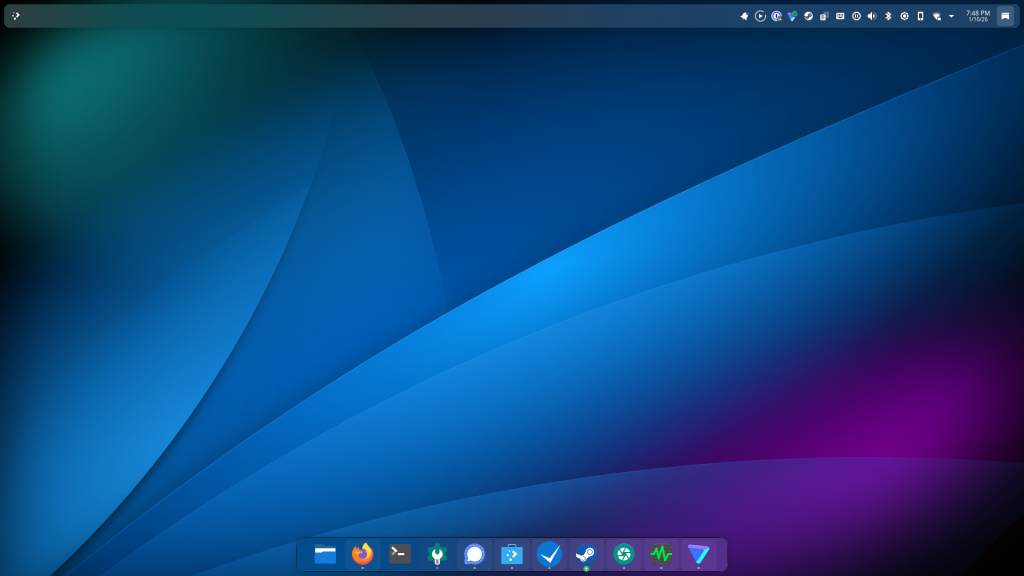
It is not that easy to use and set up as Linux Mint, but it was not difficult, even for a Noob in Linux like me. With a few small adjustments, it is possible to set it up perfectly and have fun tuning it. I am sure that will break things, but it is not that important if I have to reinstall it because of me. This will be good for learning, so we will see which one will try next. I will update if I make any interesting progress in my Linux adventure. Maybe come back to Linux MInt, now that they have released a new version.
Discover more from Kimchi diary
Subscribe to get the latest posts sent to your email.
